Your first listing
From the address to the export, step by step.
An address, your documents, then five guided steps up to the export for your MLS system. Here is how a listing comes together in Listor.
Start
Create the listing
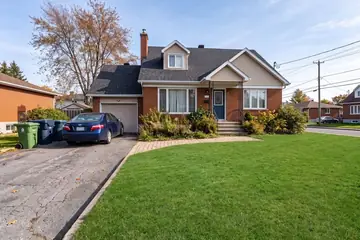
Type the address, pick it from the suggestions, then choose the property type. The type determines the sections and options offered for the rest of the file.
Two-storey home · Québec
New listing
Step 1
Documents
Upload the brokerage contract, seller’s declaration, location certificate and tax bills, as PDFs or images. Listor sorts each document and extracts its information.
Two-storey home · Québec
Property documents
Step 2
Data
Compare each proposed value with its source, fill in what is missing and check units, amounts and dates. You then confirm each data group.
Two-storey home · Québec
Data to review
Step 3
Photos
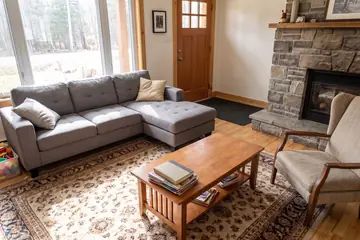
Add your photos, check the suggested categories, then choose the main photo and the presentation order.
Two-storey home · Québec
Listing photos




Step 4
Descriptions
Guided writing gathers what you saw on site and the local landmarks to name, then writes the remarks and the addendum in French and English. You review, edit and confirm.
Two-storey home · Québec
Property descriptions
Step 5
Publication
Check the final verifications, copy fields with the data entry assistant, then mark the listing ready and download the export.
Two-storey home · Québec
Data entry assistant
Listor prepares the file, you review it: final validation and publication remain yours.

LISTOR
Your next listing starts here.
An all-in-one suite of technology tools for your real estate listings.
Create my account